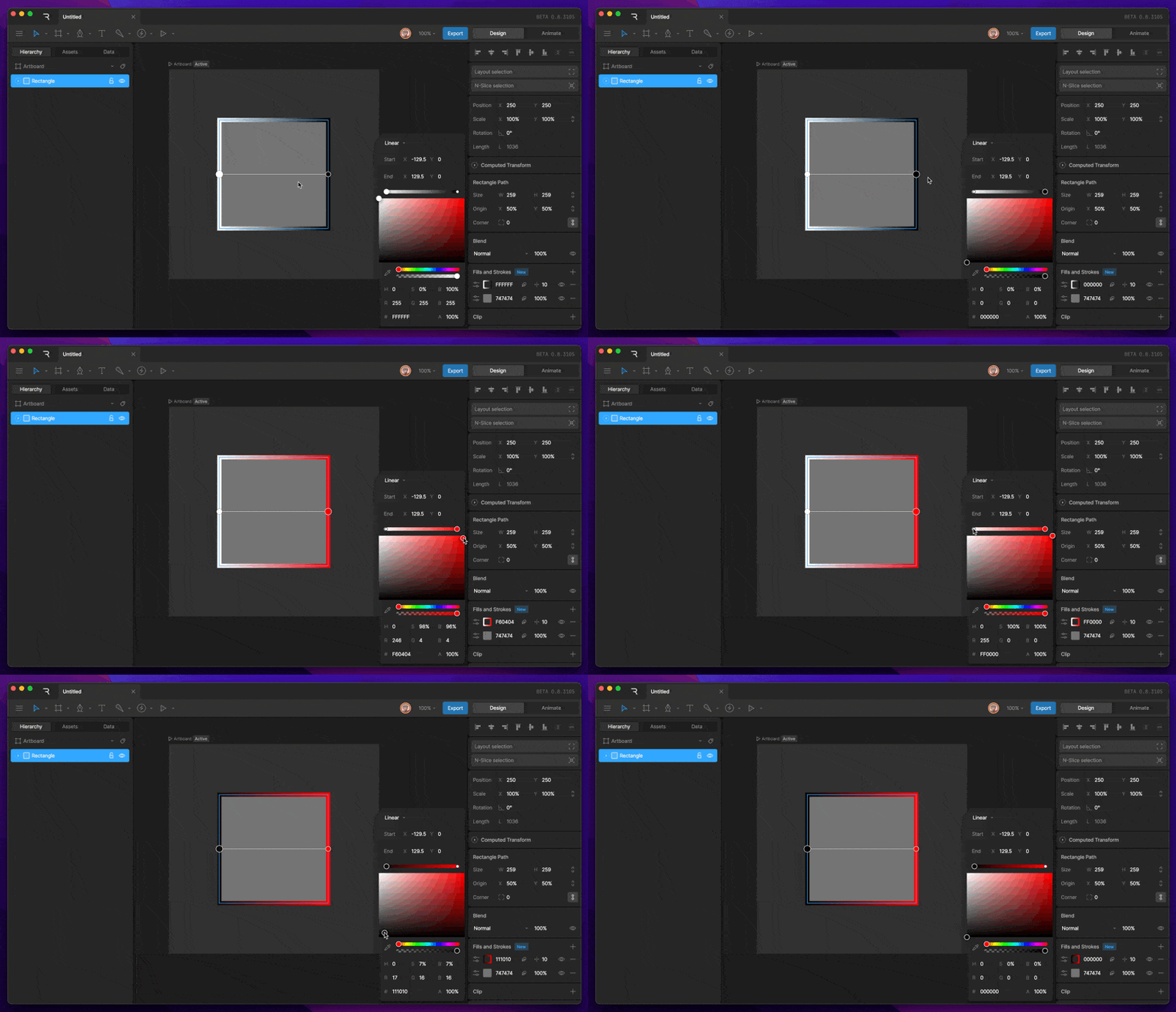
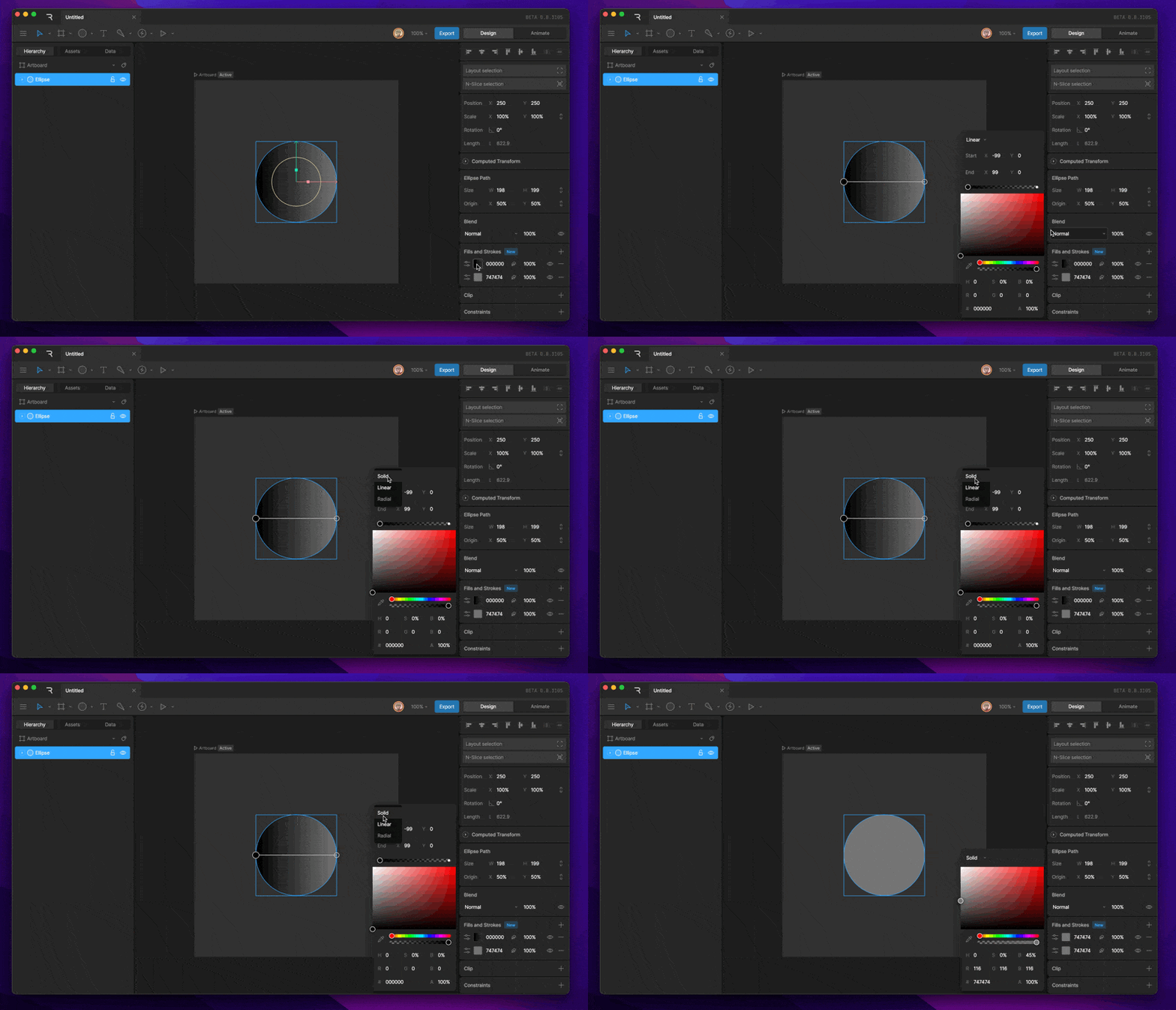
Choosing a paint type
The dropdown at the top of the color picker sets the paint type:- Solid: A single color.
- Linear: A gradient that blends colors along a straight line.
- Radial: A gradient that blends colors outward from a center point.
Choosing a color
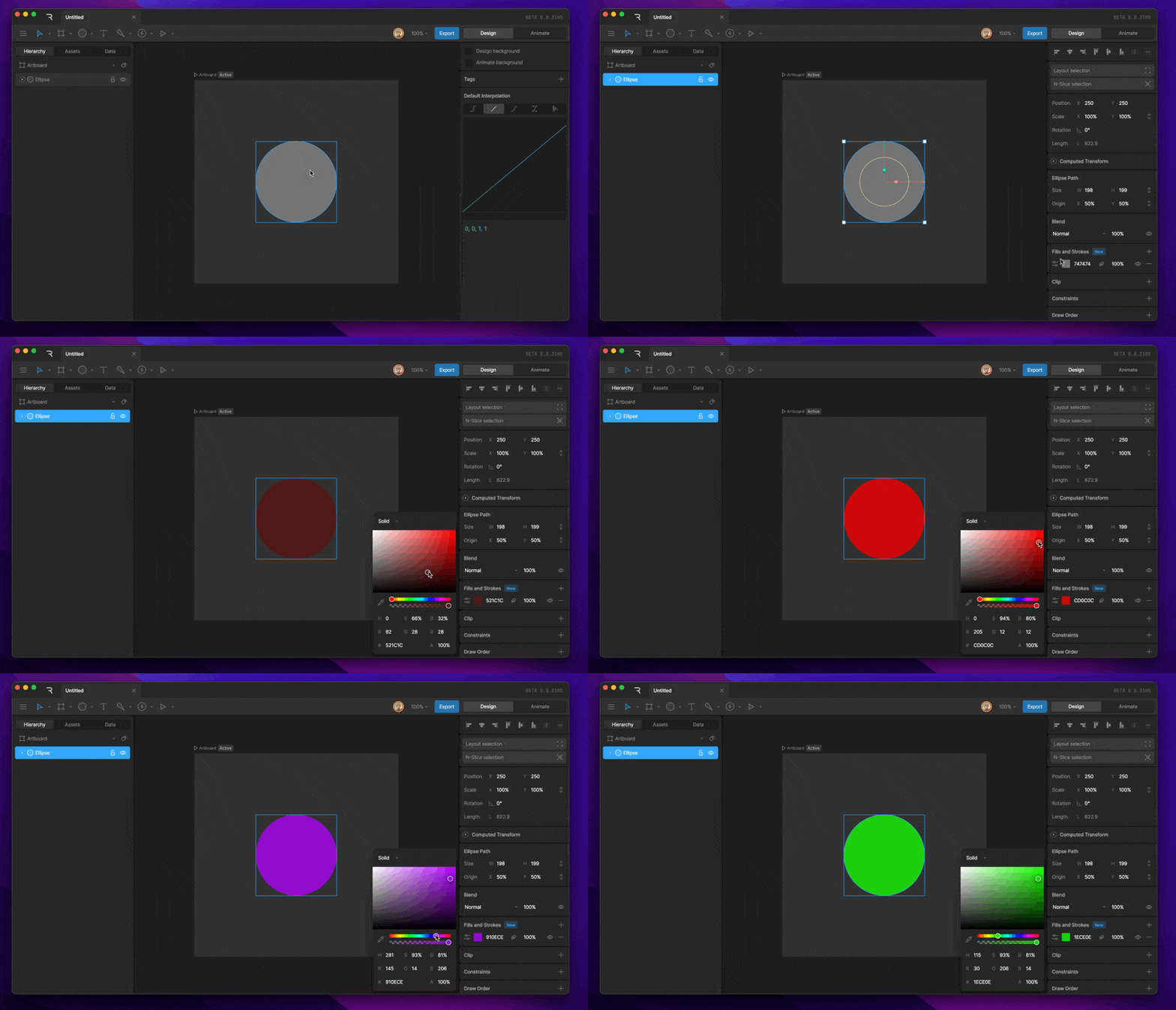
- Drag in the large square to set saturation and brightness, and use the sliders to set the hue and opacity.
- Type a hex value, or set the R, G, and B channels separately.
- Click Pick Color from Stage and click anywhere on the stage to use that color.
Editing gradients
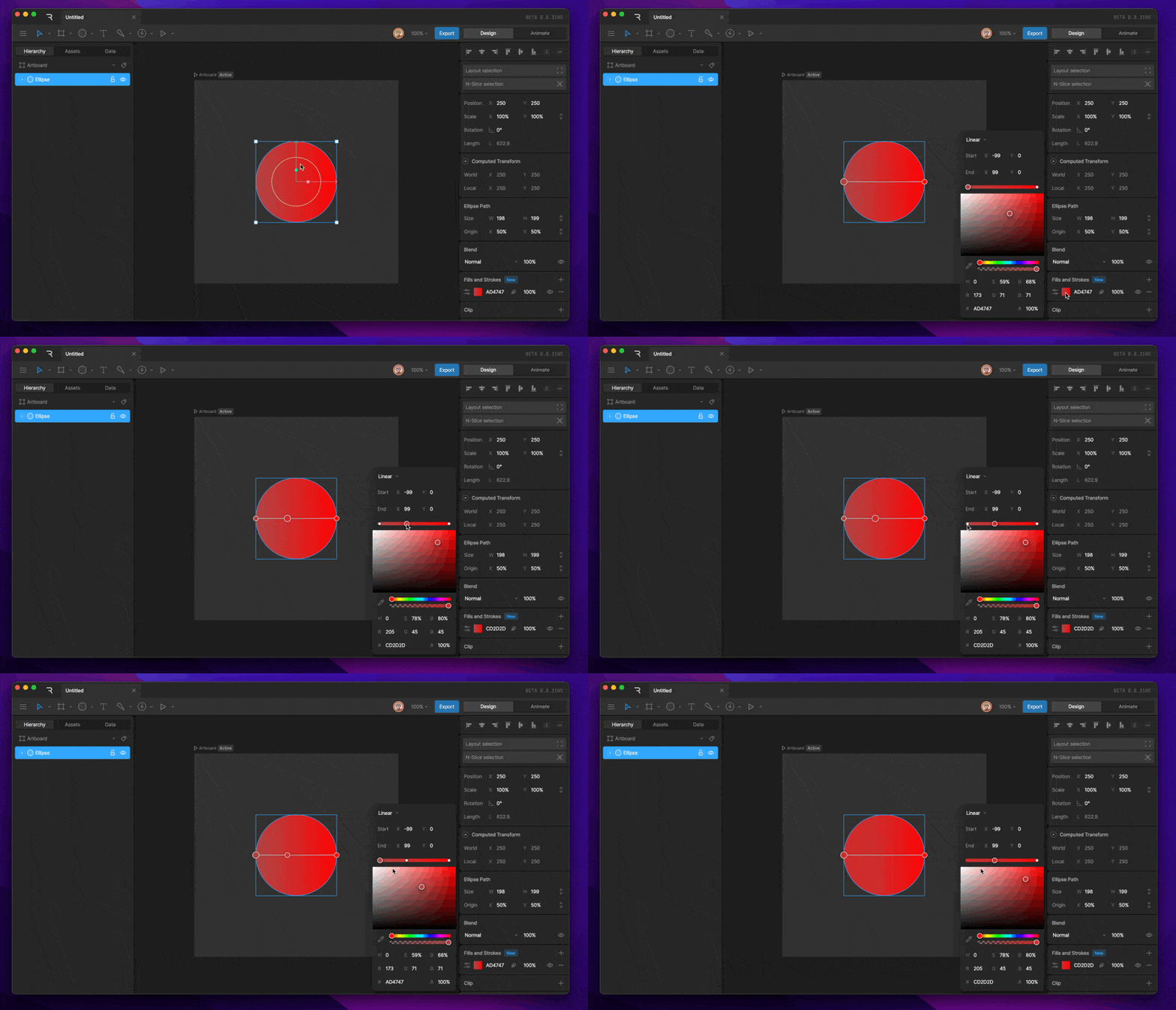
When the paint type is Linear or Radial, a gradient bar appears in the color picker. Each stop on the bar is one color in the gradient. A new gradient has two stops.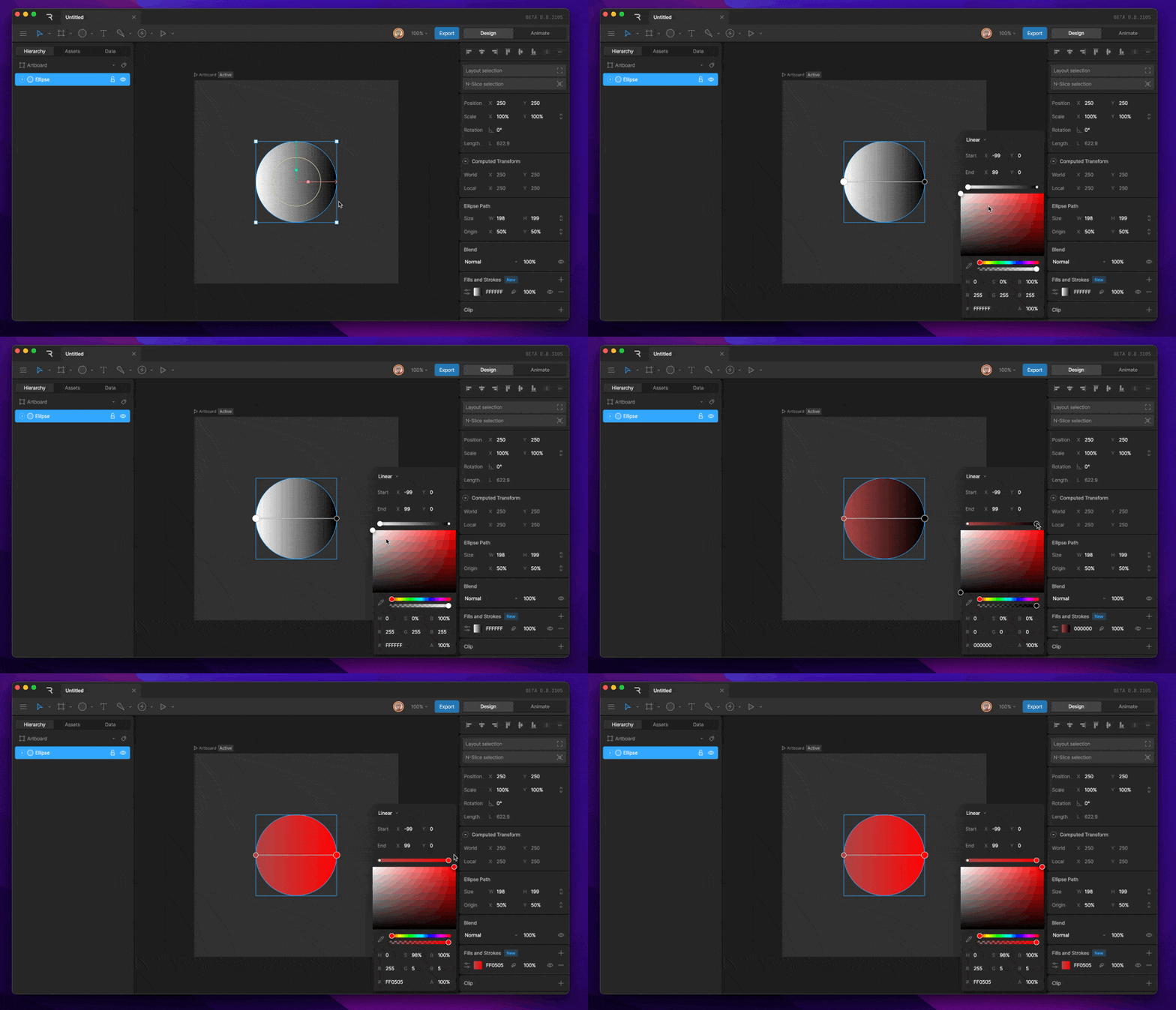
- Change a stop’s color: Select the stop, then choose a color.
- Add a stop: Click an empty spot on the gradient bar.
- Remove a stop: Select the stop and press Delete or Backspace.
- Move a stop: Drag it along the bar.