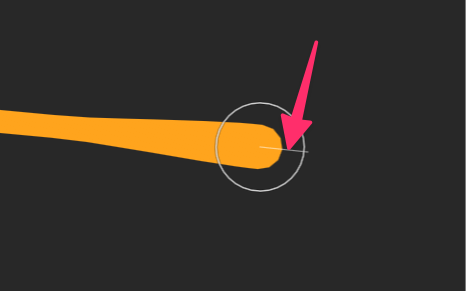
- Brush creates freehand paths with configurable tips and variable thickness.
- Pencil creates freehand paths with a consistent thickness.
- Eraser uses similar controls to the Brush, but removes from existing shapes rather than creating new ones.
Brush tool
Use the Brush Tool to draw freehand with configurable tips and variable thickness. Each new Brush drawing creates a Brush Shape containing a spine. Unlike a standard path, a spine retains information about the brush stroke, including its width variation and smoothing.Brush spines
A Brush Shape can contain one or more spines. Select the Brush Shape to view its spines in the Brush Spines section of the Inspector. Each spine has its own Width and Smoothing. Changing the width preserves any width variation created while drawing.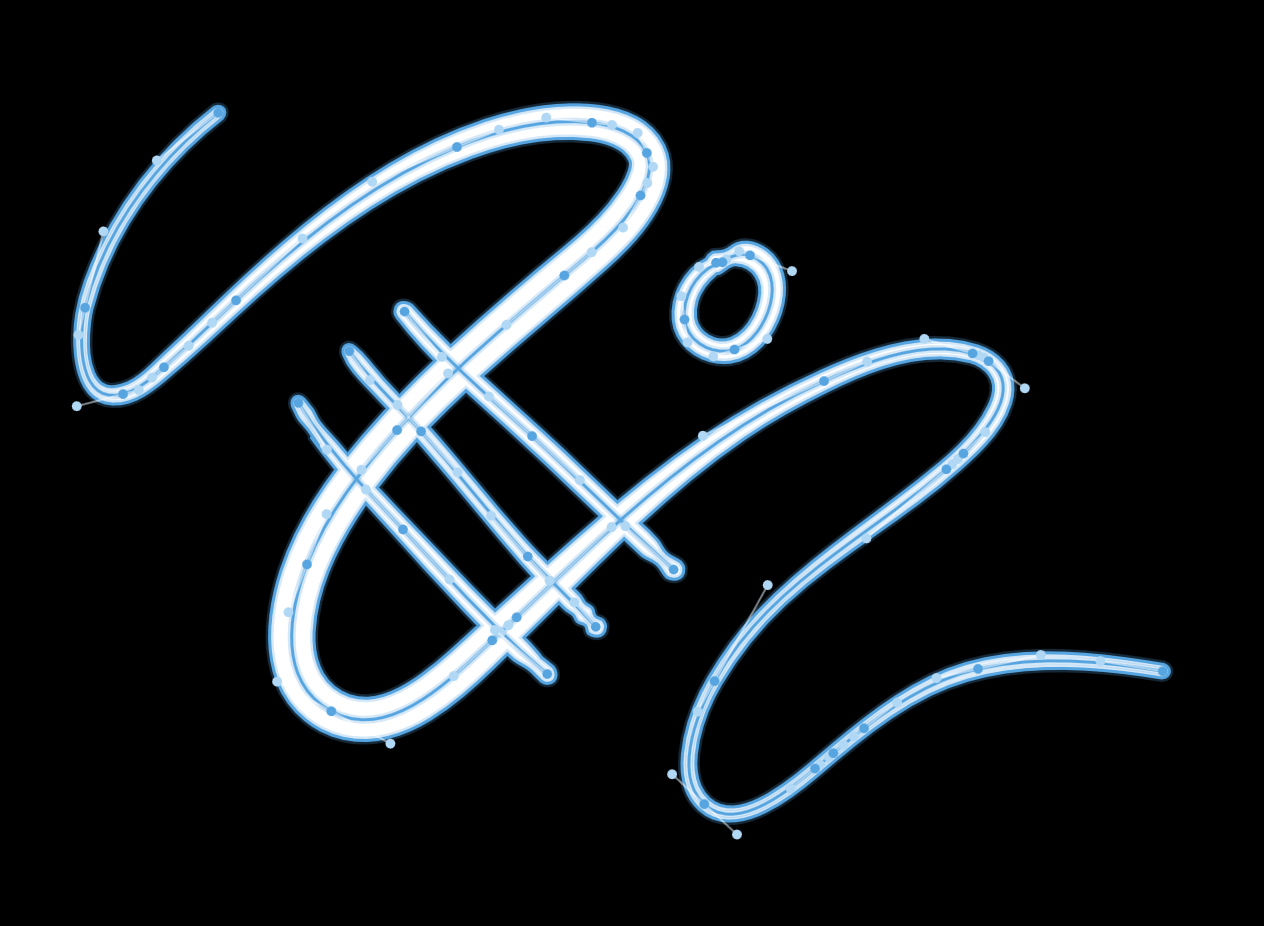
Use the Shape Bend Tool to adjust the width at specific points along a spine.
Flattening spines
Select Flatten to bake all spines into regular vector geometry.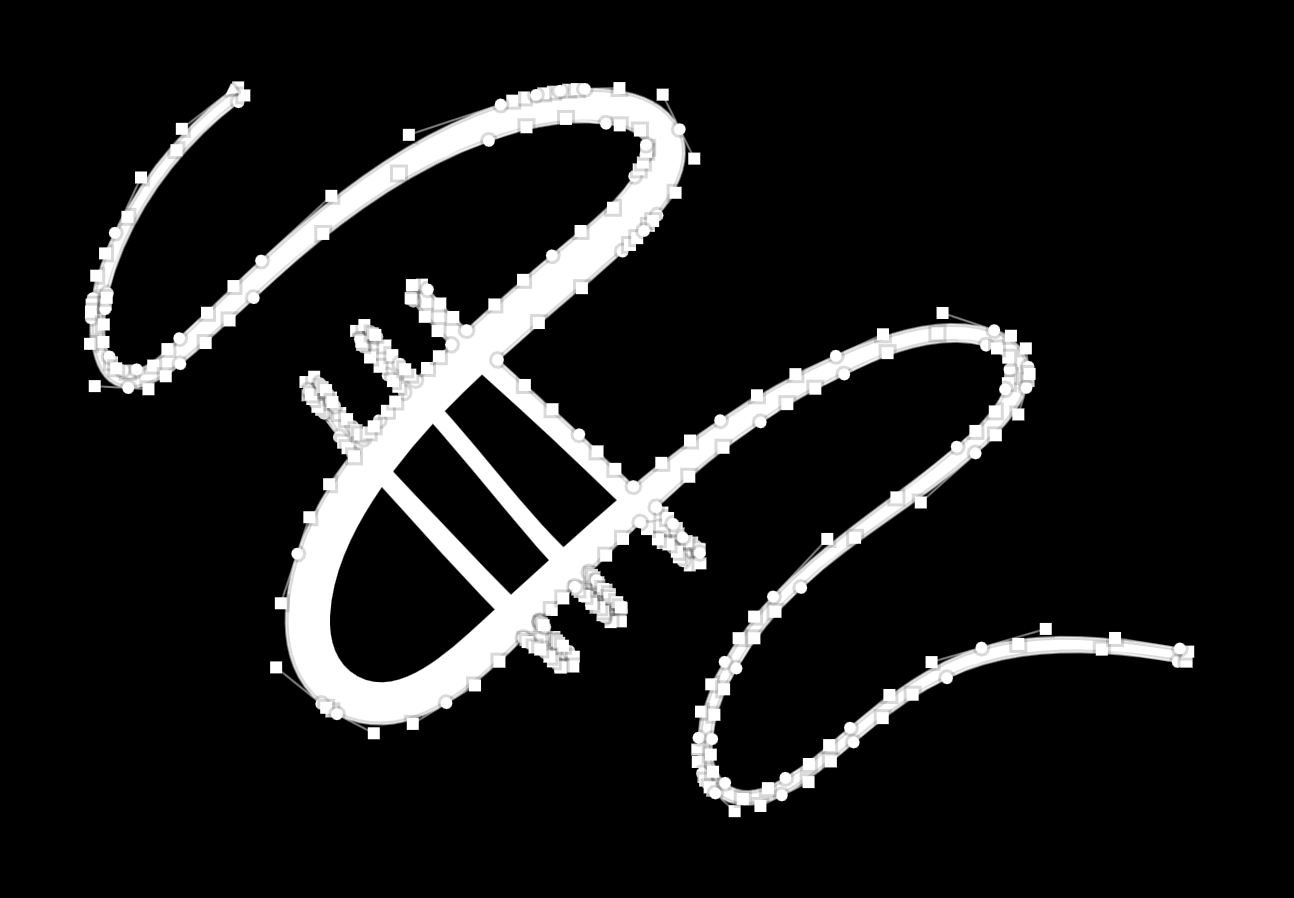
Drawing options
Use the options at the top of the panel to control how the Brush behaves while drawing.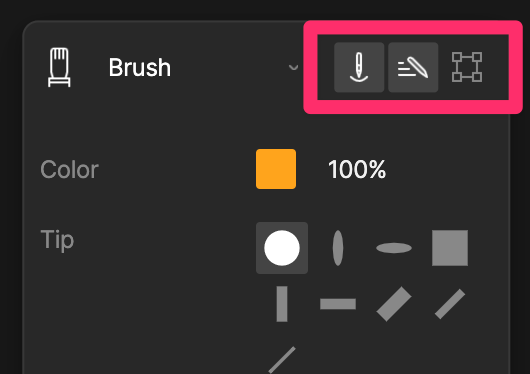
- Pen Pressure varies the width of the brush based on pressure from a supported stylus.
- Speed varies the width of the brush based on how quickly you draw.
- Hide Bounding Box hides the selection bounding box while drawing.
Brush Tip
Use Tip to choose the shape of the Brush. Rive includes a selection of predefined brush tips.Brush tips maintain a fixed orientation as you draw and don’t rotate with the direction of the stroke.
Size and width
Use Size to set the maximum width of the Brush. Min Width sets the minimum width the Brush can reach when Pen Pressure or Speed is enabled. Increase the value for more consistent strokes, or decrease it for greater variation in width.Smoothing
Use Smoothing to reduce small variations in the path as you draw, creating smoother curves. Higher values produce smoother paths, while lower values more closely follow the movement of the pointer.Stabilize
Use Stabilize to smooth your drawing by adding distance between the pointer and the path as you draw. Higher values increase this distance, giving the path more time to smooth out changes in direction.Show Leash
Enable Show Leash to display the distance between the pointer and the path while drawing.