Tabs
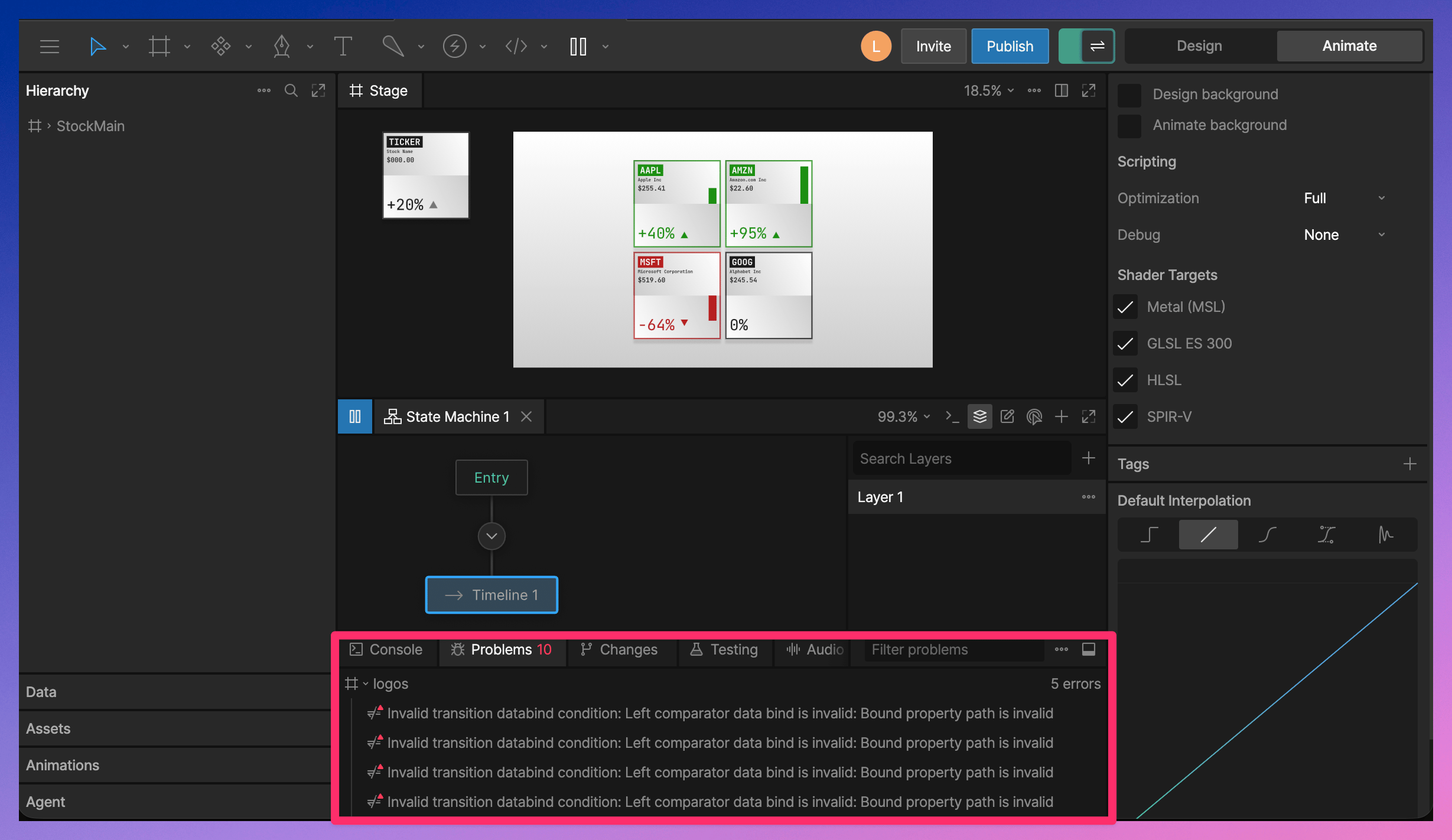
The Debug Panel is organized into tabs.- Console - view script logs, runtime errors, and State Machine activity.
- Problems - view code issues, broken bindings, validation warnings, and other problems in the file.
- Changes - review pending changes from the AI Agent.
- Testing - run test scripts.
- Audio - preview audio assets and create clips.
Console
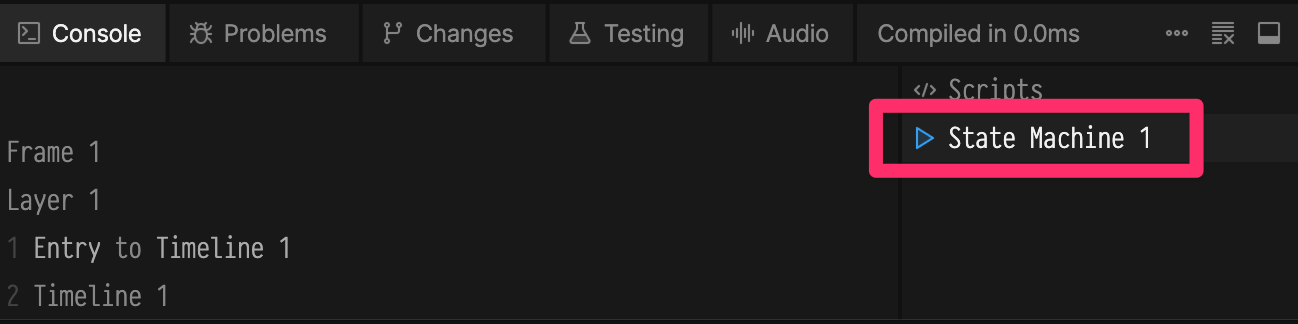
The Console shows output from scripts and State Machines. Use the sidebar in the Console tab to switch between the script console and the State Machine console. Use the Console options to clear the console, clear the console when playback starts, or copy console output.Script Console
The script console shows output from scripts, includingprint() messages and runtime errors.
See Script Console for more information.
State Machine Console
The State Machine console shows State Machine activity during playback, such as entering a state or taking a transition.