Overview
Referenced assets are represented by Unreal objects, and you load data directly onto those objects:URiveImageAssetURiveFontAsset
How Asset Loading Works
When a.riv contains referenced assets:
- The plugin tracks them by asset ID.
- Referenced assets are created as Unreal assets alongside your imported
URiveFile. - The runtime decodes and applies bytes through typed asset classes.
- Images:
LoadTexture(UTexture2D*)orLoadImageBytes(const TArray<uint8>&) - Fonts:
LoadFontFace(UFontFace*)orLoadFontBytes(const TArray<uint8>&)
Recommended Workflow
- In the Rive Editor, set assets to Referenced if you want to supply them outside the
.riv. - Import the
.rivinto Unreal. - Locate generated referenced assets in Content Browser (typically named like
AssetName-AssetId). - In Blueprint or C++, hold references to those
URiveImageAsset/URiveFontAssetobjects. - Before or during playback, call the load function that matches your source data.
Blueprint Runtime Replacement
Use object references to your Rive asset objects and call:Load TextureonRiveImageAssetfor aTexture2DLoad Image BytesonRiveImageAssetfor raw encoded image bytesLoad Font FaceonRiveFontAssetfor aFont FaceLoad Font BytesonRiveFontAssetfor raw font bytes
RiveFile/RiveArtboard normally.
C++ API Surface
Use these headers:Important Notes
- Referenced asset resolution is ID-based inside the plugin.
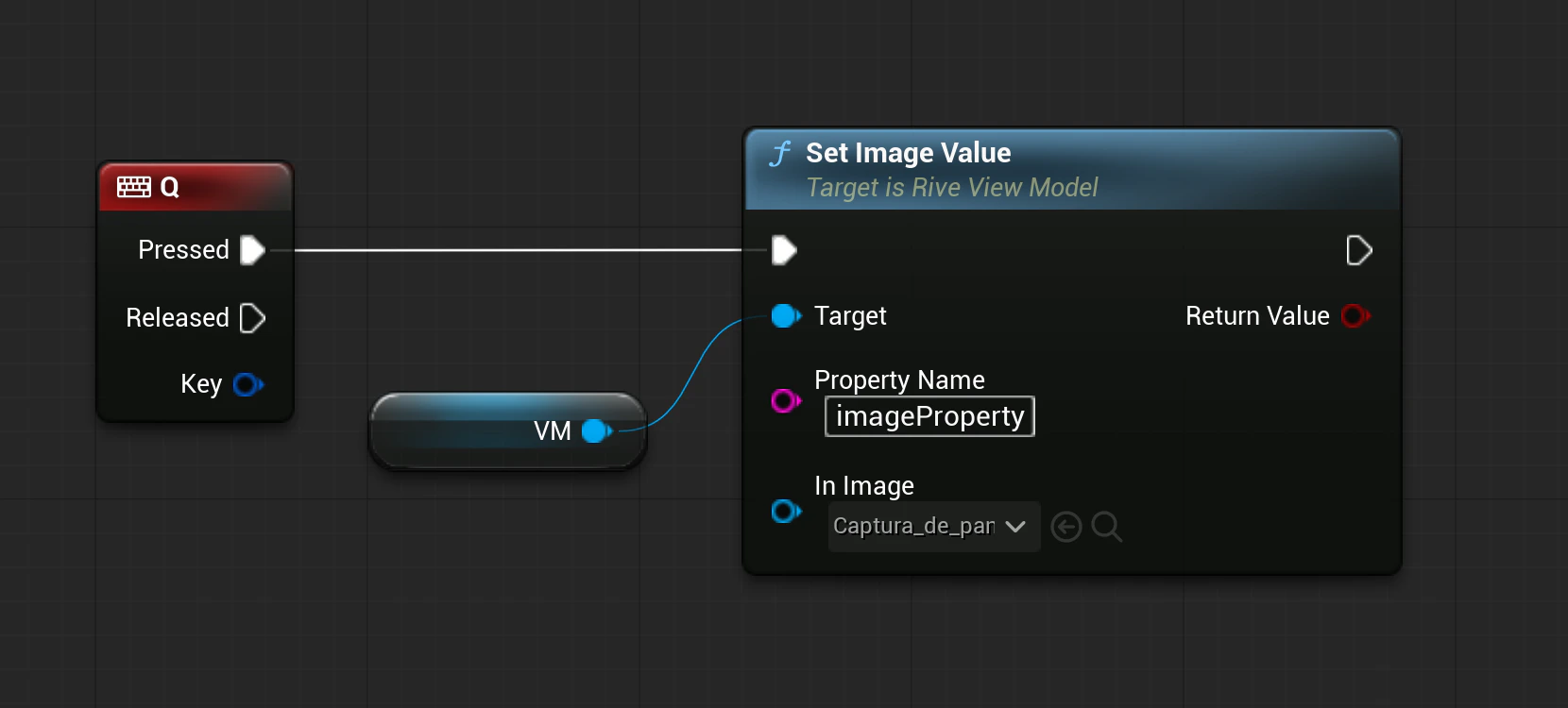
- If your project uses image data binding for dynamic visuals, prefer that path for per-instance image changes.
Troubleshooting
- If a referenced asset does not update, confirm you are editing the correct generated Rive asset object (
AssetName-AssetId). - If bytes-based loading fails, validate file format and byte contents (supported image/font formats only).
- Reimporting the
.rivcan regenerate/update metadata; re-check referenced asset objects after reimport.