

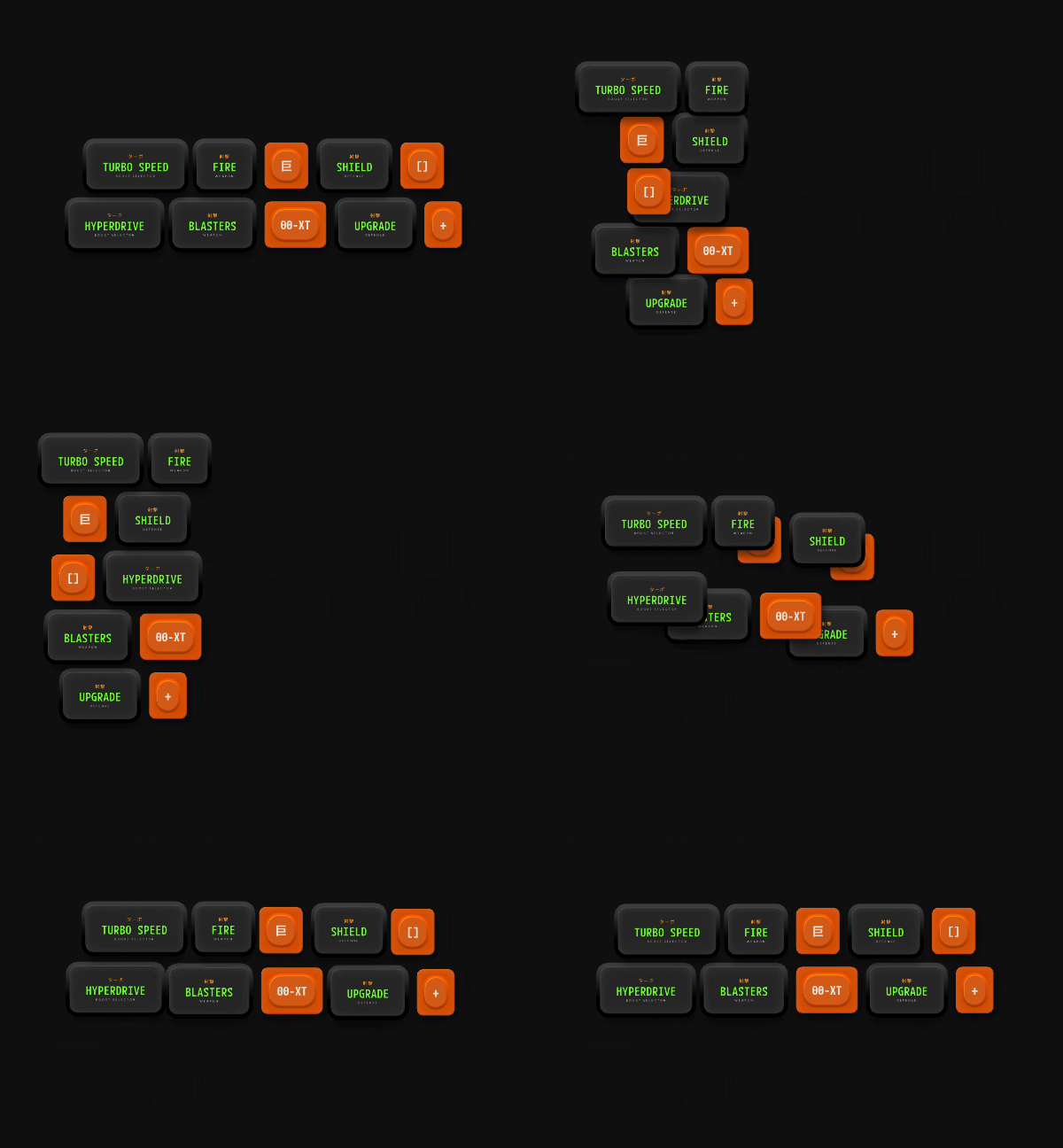
How Layout animation works
Layout animation is set on each Layout, and it controls how that Layout moves and resizes. It doesn’t control the Layout’s children. Each Layout uses one of three modes:- None: The Layout jumps to its new position and size. This is the default.
- Inherit: The Layout animates using the duration and easing of its parent Layout.
- Custom: The Layout animates using its own duration and easing.
Adding Layout animation
1
Select a Layout and click + in the Enable Layout Animation section of the Inspector.
2
Select None, Inherit, or Custom.
3
If you selected Custom, set the Duration and the interpolation the Layout uses to move to its new position and size.