Creating a Property Group
1
Create a Property Group
Select your Property Group tool and click the stage to add one to your artboard.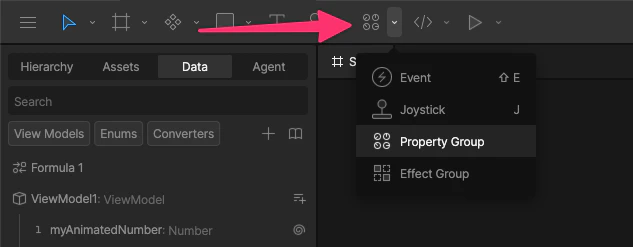
2
Add a property
Select your Property Group and in the right sidebar, click the 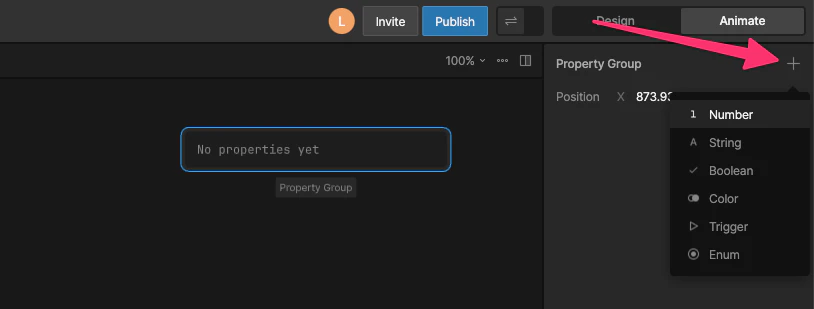
+ icon and select your property type.Common use cases
Controlling a View Model property with a Timeline
You can’t key a View Model property directly in the timeline. Instead, you key a Property Group value, then bind that value to a View Model property. This lets you use Keyframes in a timeline to update View Model data at runtime.Why can’t I key View Model Properties directly?View Model properties represent global data shared across your app, while keyframes are local to a timeline—so they can’t be keyed directly.
1
Key a property
With the Property Group selected, move the timeline playhead and change the property value to create keyframes.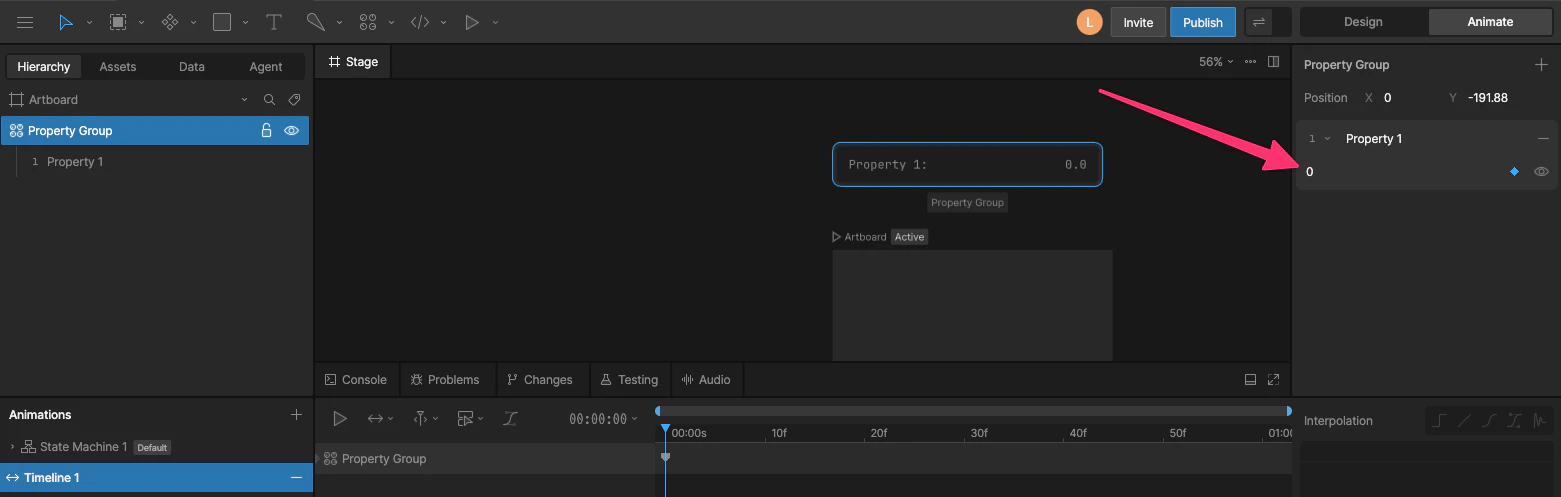
2
Bind the property
Right-click the property and select the View Model property you want to control. Set the direction to Target → Source so the keyed value drives the View Model property.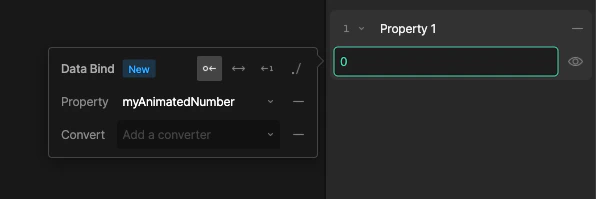
Controlling one View Model property with another
You can’t directly control one View Model Property with another View Model Property. Instead, you can use a Property Group value that reads one View Model Property and sets another.Why can’t I control one View Model property with another?Allowing View Model properties to control each other would create hidden dependencies and update loops, so relationships between values are handled explicitly through bindings.
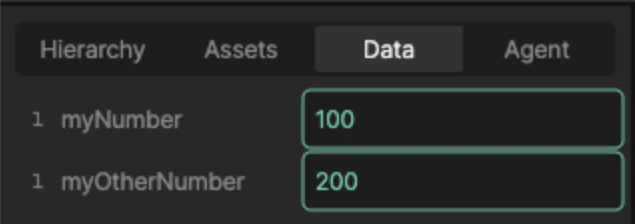
myNumber and myOtherNumber, which will be myNumber doubled.
1
Create a Formula Converter
Create a new Converter of type Numeric > Formula and add a number value, a multiply operation, and another number.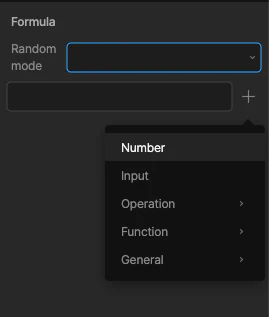
2
Bind the number value
Bind the first number to 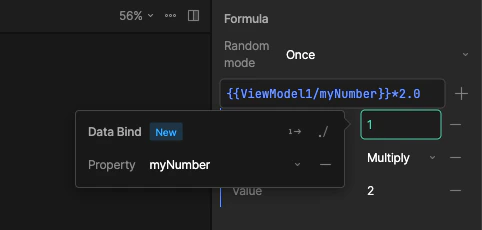
myNumber.3
Control the View Model Property
Select the Property Group, right-click the property, and bind it to the
myOtherNumber value using the converter. Set the direction to Target → Source so the converted value drives the View Model property.myOtherNumber is double myNumber.