For text that follows a path, use the Follow Path Text Modifier property instead.
Setting up a Follow Path constraint
First we’ll need both an object to constrain and a path to constrain it to. Next, add a new constraint and select the Follow Path Constraint.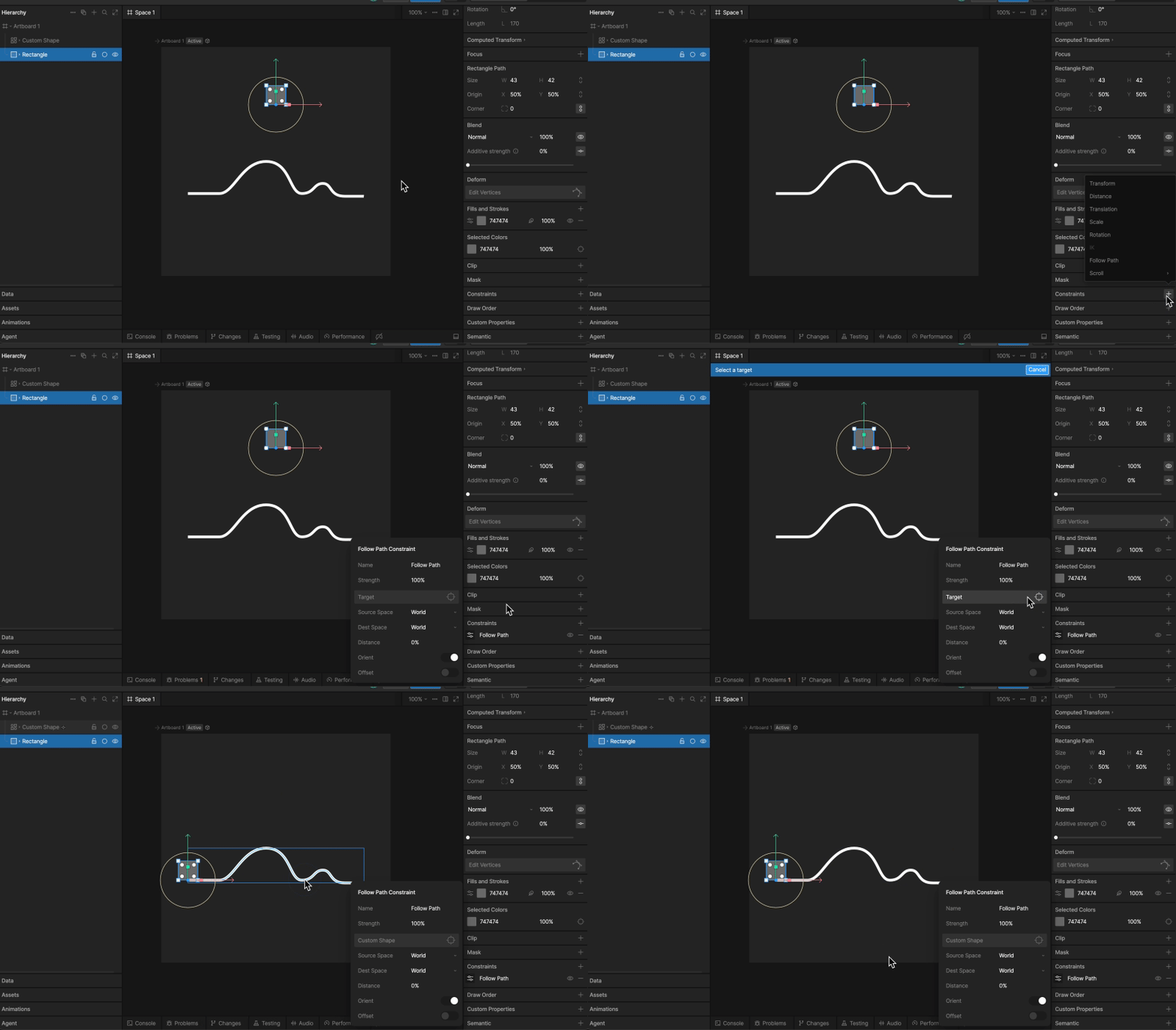
Follow Path properties
Like other Constraints, the Follow Path Constraint has many different properties we can customize.Strength
The strength property dictates how strictly the constrained object will adhere to the constrained property.Target
The Target tells the constraint which path to follow.Distance
The Distance property moves the object up and down the path. As the percent increases, the constrained object moves along the path. Note that this property can exceed 100%.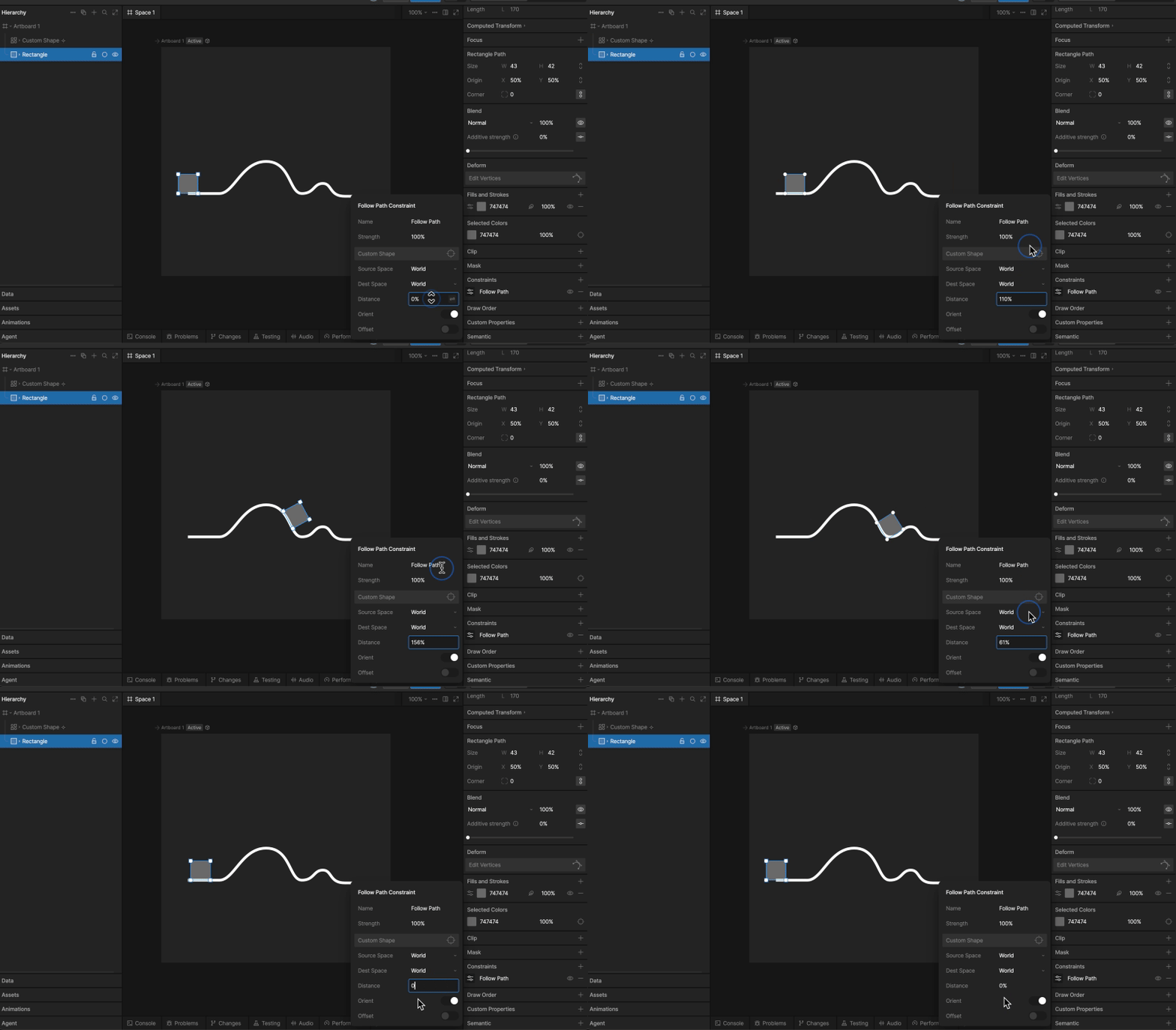
Orient
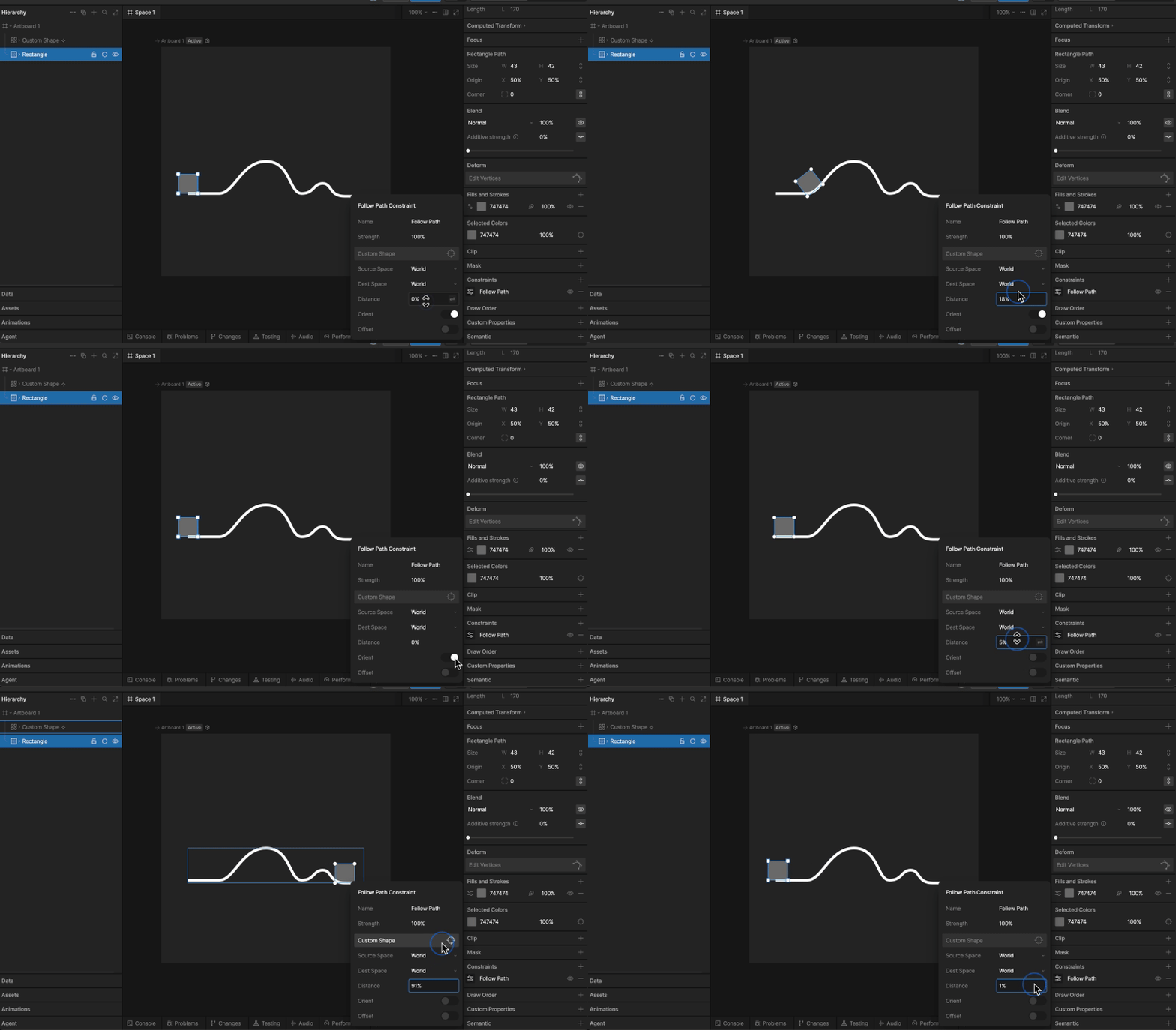
The Orient toggle controls the constrained objects rotation. When the Orient toggle is on, the object will adjust its rotation according to the path. Note that you can’t make manual rotation changes to the object in this state.