

Rive at a glance

1. Design
Create vector graphics, responsive layouts, and reusable components, or import images, audio, fonts, and other assets from your favorite design tools.
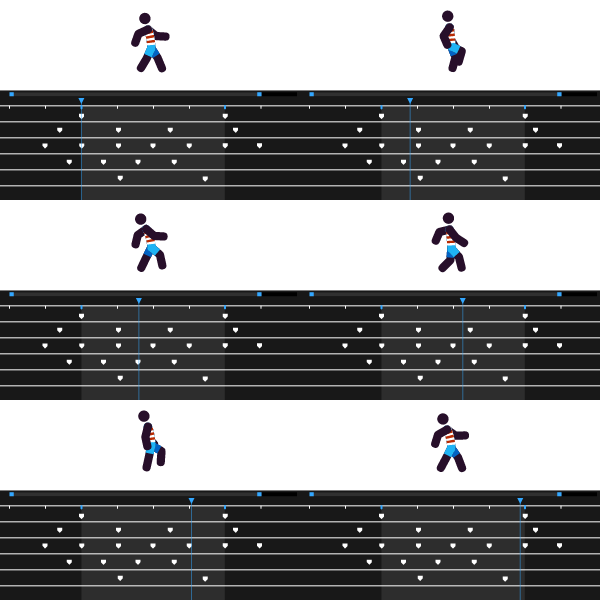
2. Animate
Bring your designs to life with timelines, keyframes, and smooth interpolation.
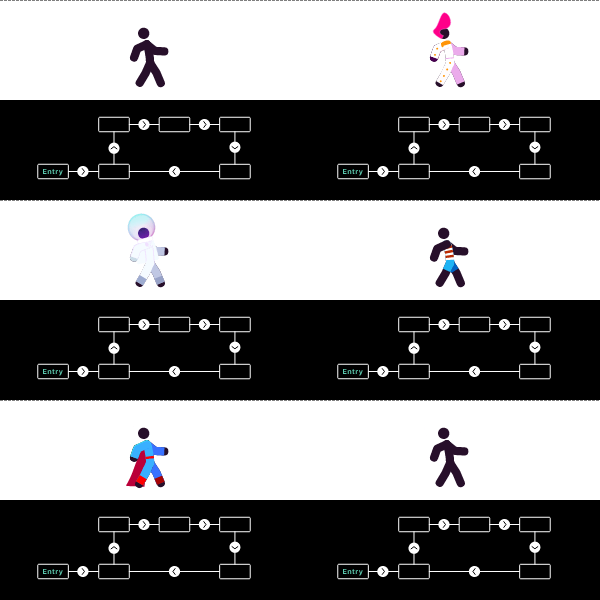
3. Make Interactive
Build interactive experiences that respond to user input, screen size, scrolling, and application state.
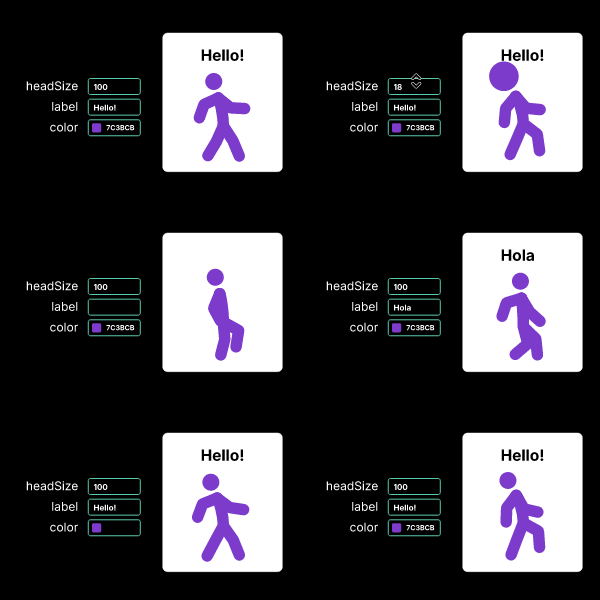
4. Control using Data
Connect animations, text, colors, layouts, and other properties to real-time data.
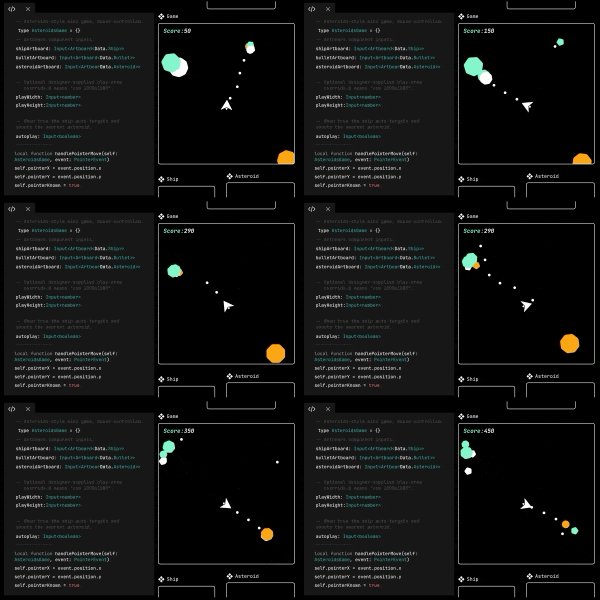
5. Scripting
Use scripting to create custom interactions, procedural animation, and behaviors that go beyond the built-in tools.

6. Publish Anywhere
Export once and use your interactive graphics across websites, mobile apps, games, videos, and more.