> ## Documentation Index
> Fetch the complete documentation index at: https://rive.app/docs/llms.txt
> Use this file to discover all available pages before exploring further.
# Design and Animate Modes
> Understand when changes edit your design and when they create animation keys.
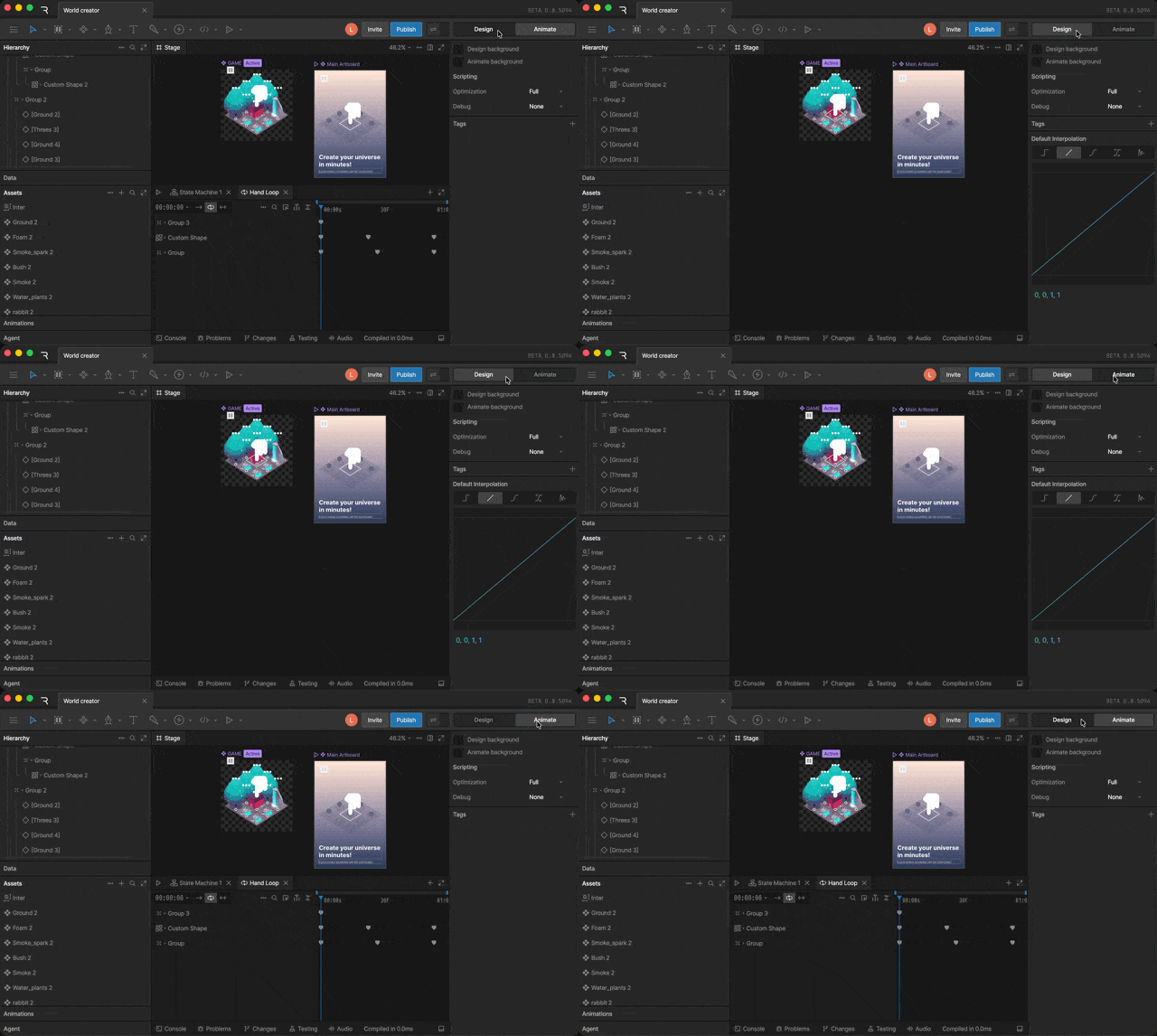
Rive has two main editing modes: **Design** and **Animate**.
* **Design Mode** is for creating, editing, importing, and rigging objects.
* **Animate Mode** is for creating timelines, state machines, keys, and animation logic.
Use the **Mode Toggle** in the toolbar, or press `Tab`, to switch between modes.
 ## Avoiding Accidental Keys
When you're in **Animate Mode**, some edits can create animation keys depending on what is selected.
If a **timeline** is selected, changes to animatable properties may be keyed automatically. This can happen when you move, resize, rotate, recolor, or otherwise edit an object while working in a timeline.
Before making design changes, make sure you're in **Design Mode**, or make sure a timeline is not selected.
## When to Use Design Mode
Use **Design Mode** when you want to change the default design of your file.
Common design changes include:
* Creating or deleting objects
* Moving, resizing, or rotating objects
* Editing fills, strokes, and shape properties
* Importing assets
* Adding bones, constraints, or other rigging
## When to Use Animate Mode
Use **Animate Mode** when you want to create animation behavior.
## Avoiding Accidental Keys
When you're in **Animate Mode**, some edits can create animation keys depending on what is selected.
If a **timeline** is selected, changes to animatable properties may be keyed automatically. This can happen when you move, resize, rotate, recolor, or otherwise edit an object while working in a timeline.
Before making design changes, make sure you're in **Design Mode**, or make sure a timeline is not selected.
## When to Use Design Mode
Use **Design Mode** when you want to change the default design of your file.
Common design changes include:
* Creating or deleting objects
* Moving, resizing, or rotating objects
* Editing fills, strokes, and shape properties
* Importing assets
* Adding bones, constraints, or other rigging
## When to Use Animate Mode
Use **Animate Mode** when you want to create animation behavior.
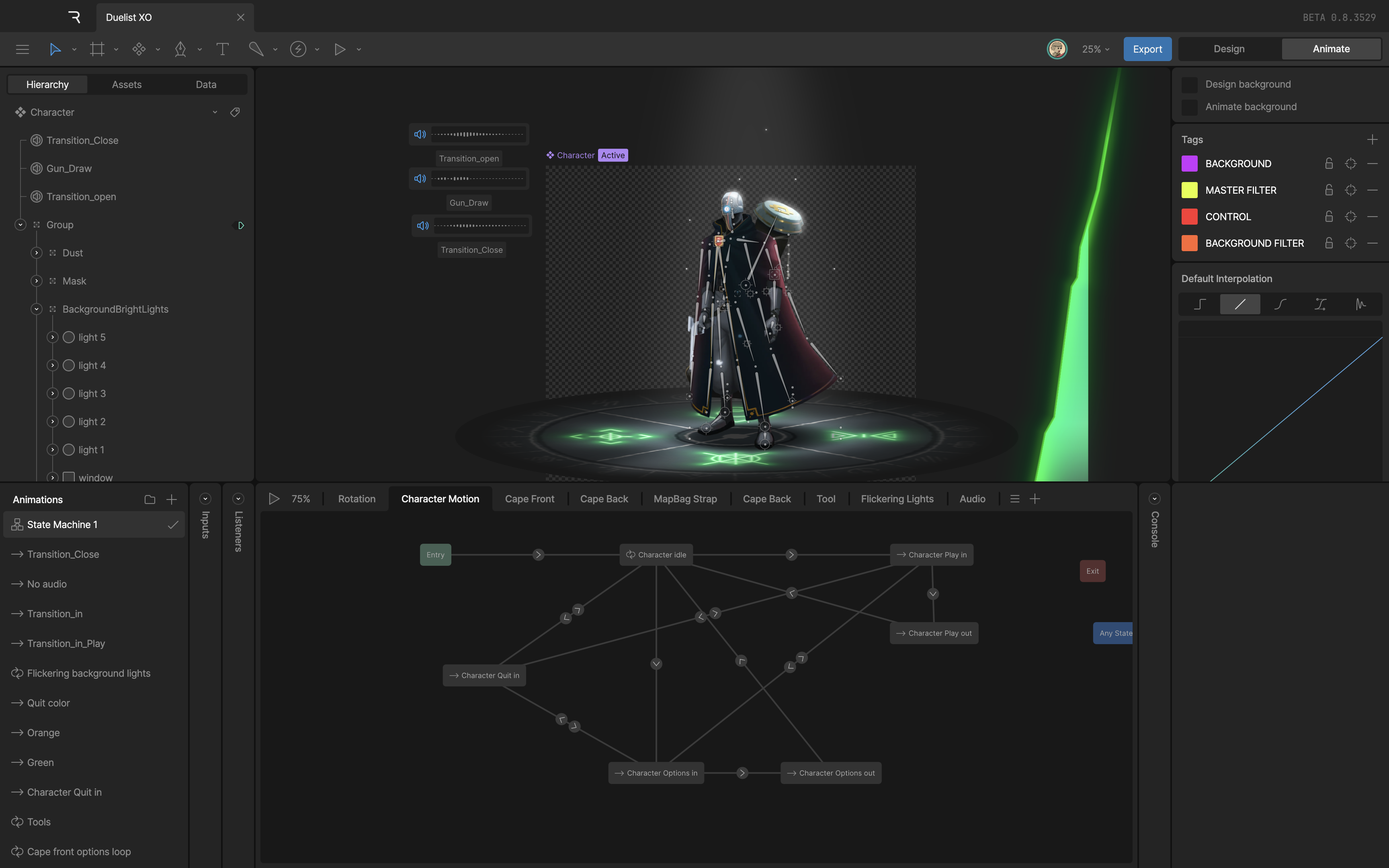 Common animation tasks include:
* Creating timelines
* Creating state machines
* Adding keys
* Editing key values
* Setting up transitions, listeners, and animation logic
Common animation tasks include:
* Creating timelines
* Creating state machines
* Adding keys
* Editing key values
* Setting up transitions, listeners, and animation logic